 Cabinet Swatchbook
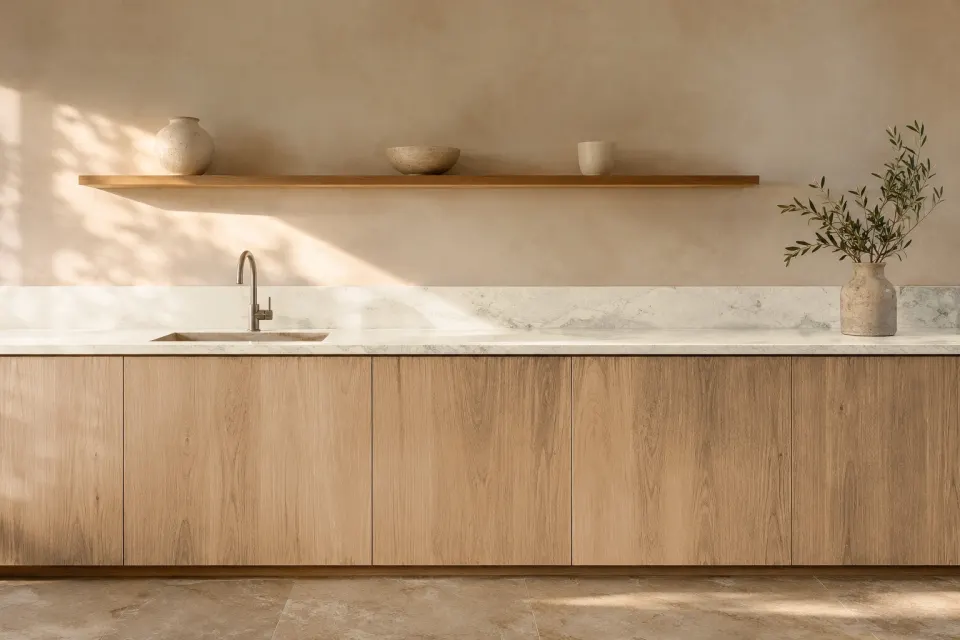
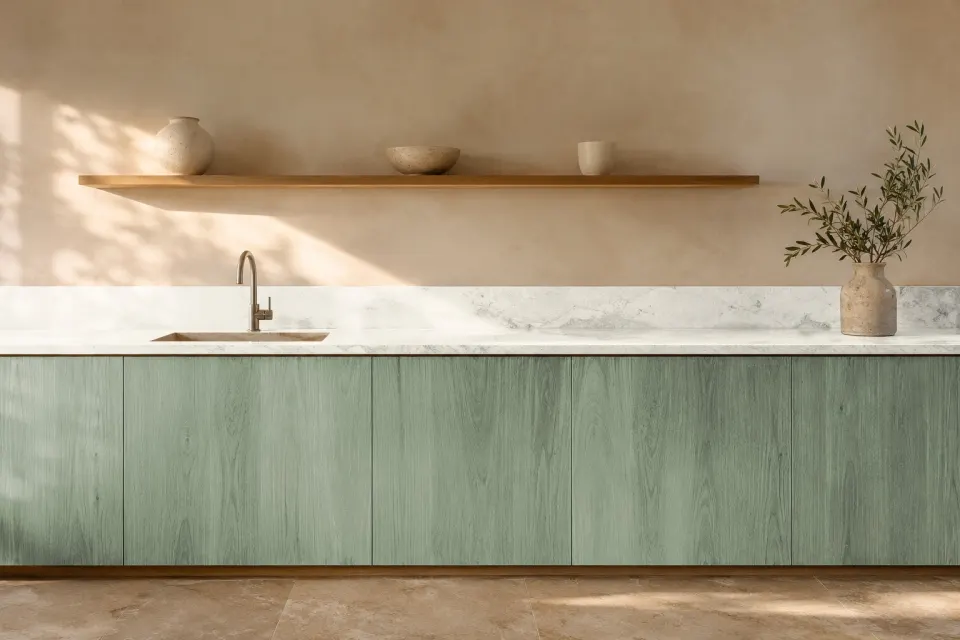
Three finish palettes, one demo kitchen
Drag each divider to compare the original kitchen with a cabinet and countertop pairing.
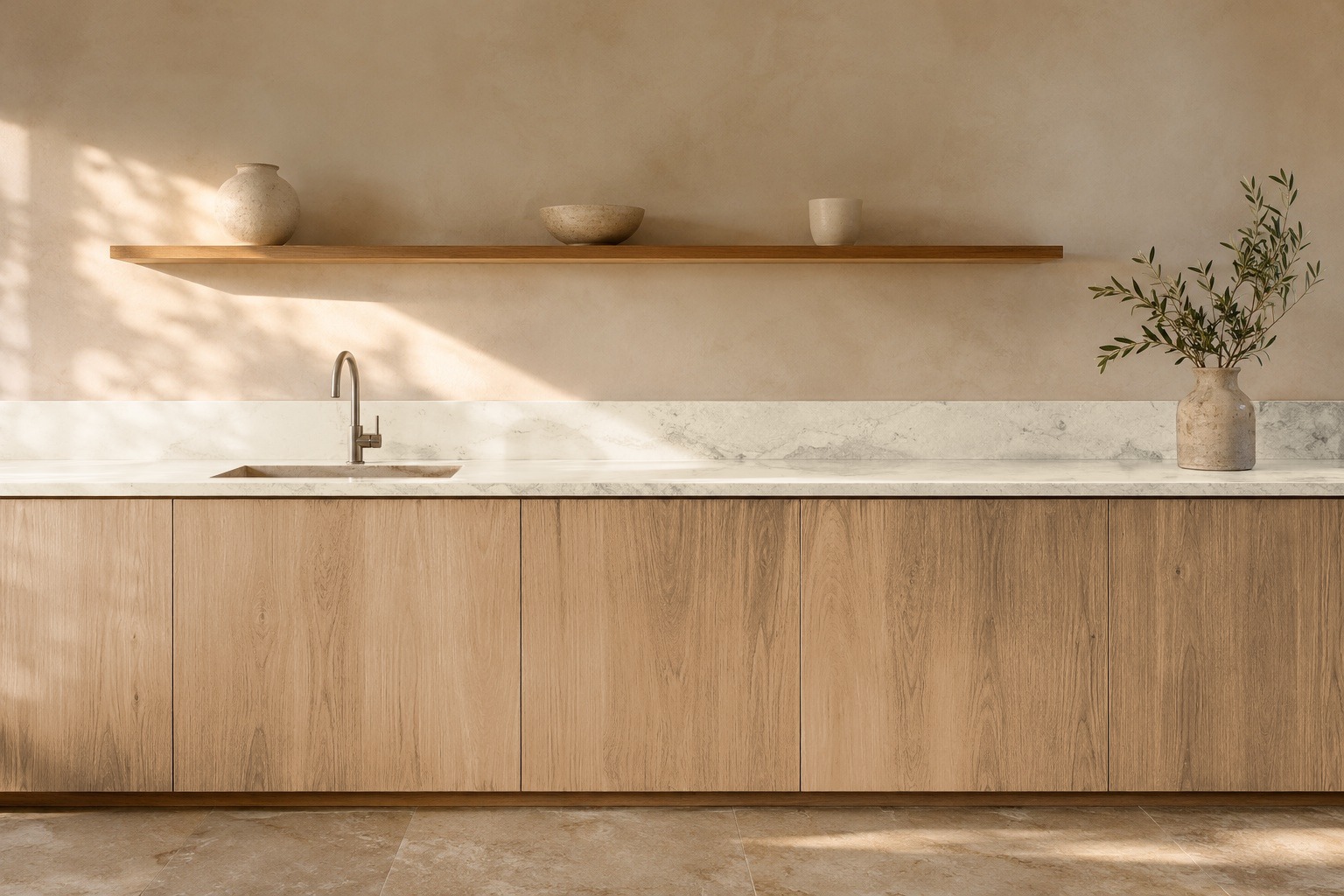
Linen & oak
Demo kitchen, not a customer project. Screen colors are approximate — confirm final selections with physical samples.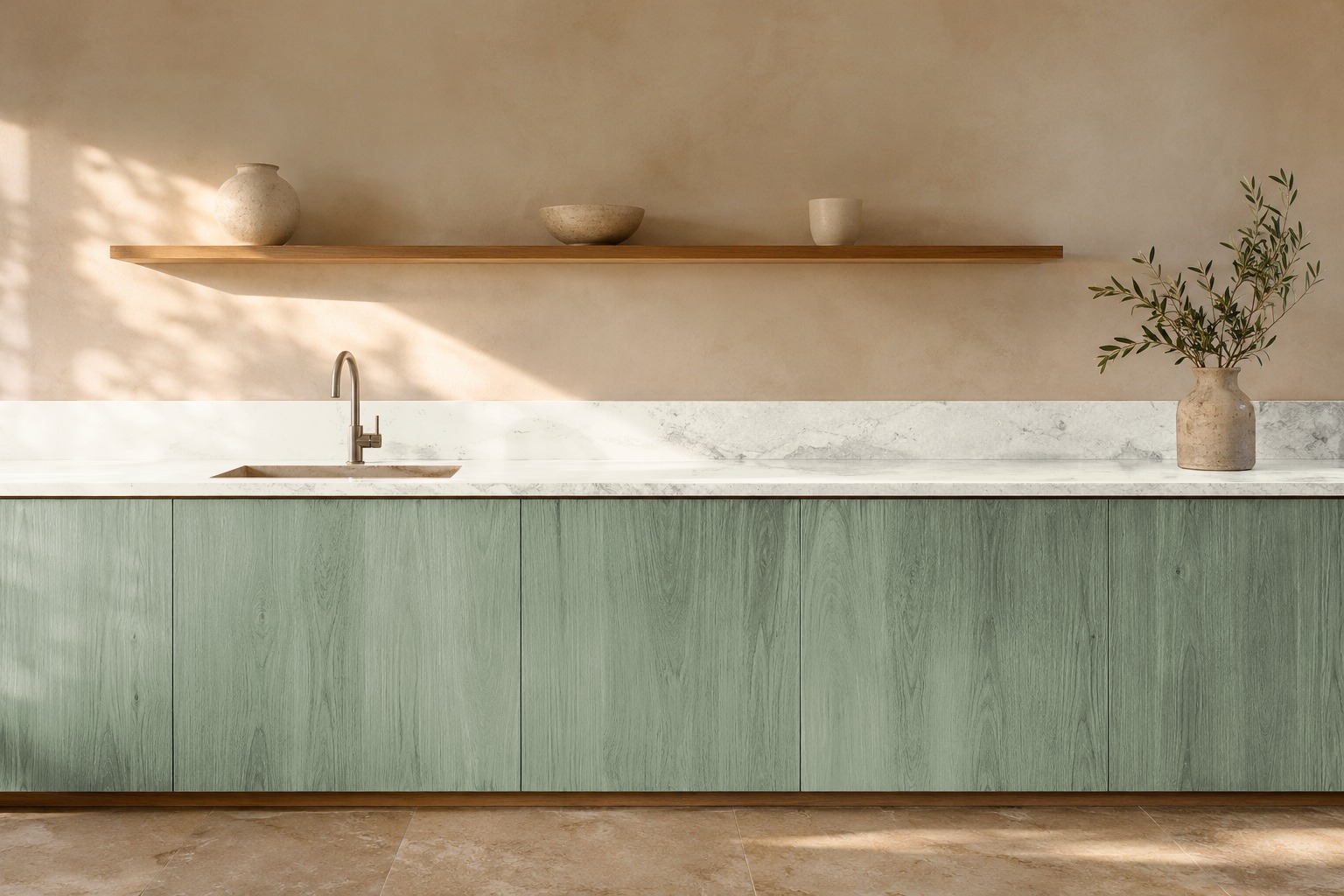
Soft sage
Demo kitchen, not a customer project. Screen colors are approximate — confirm final selections with physical samples.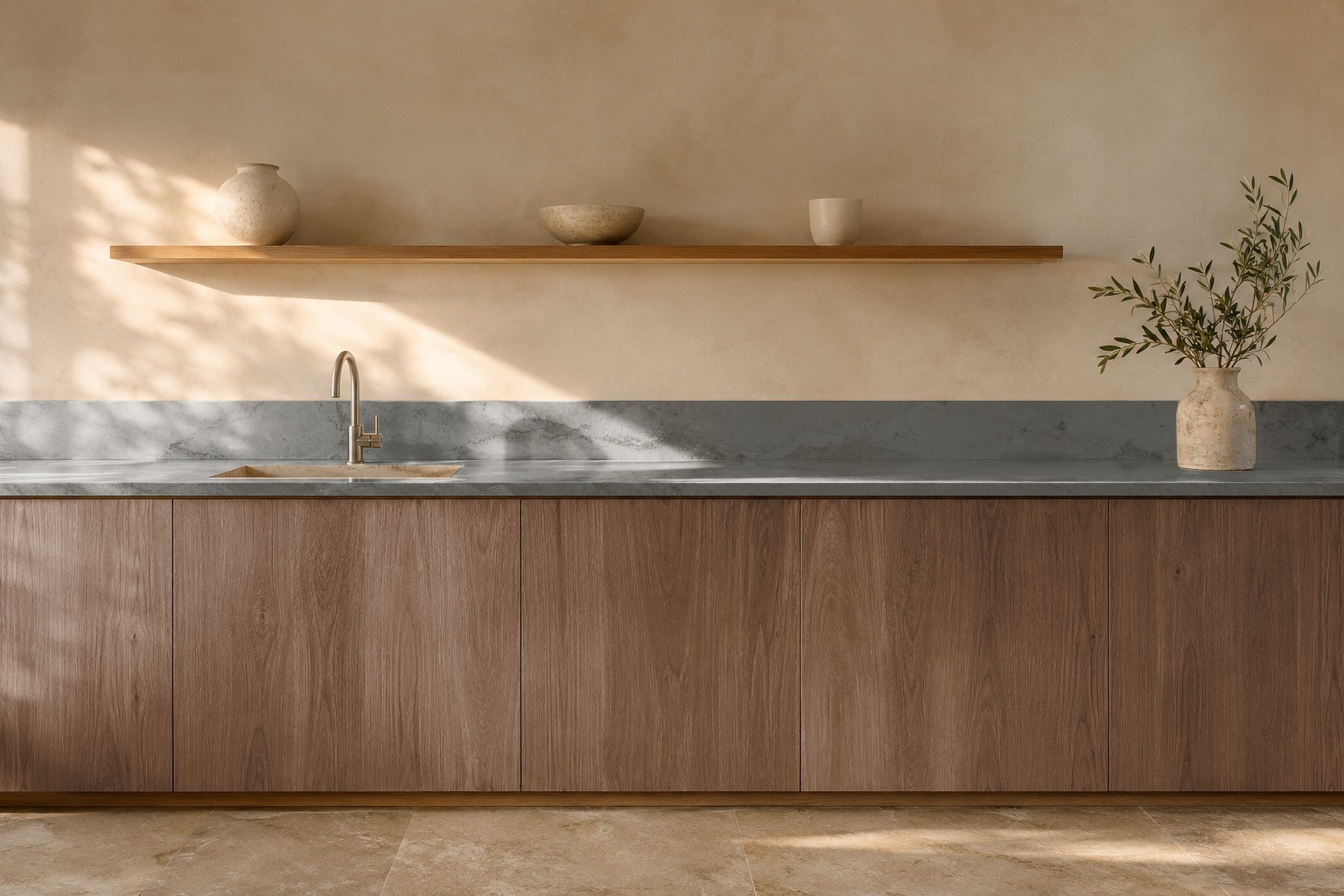
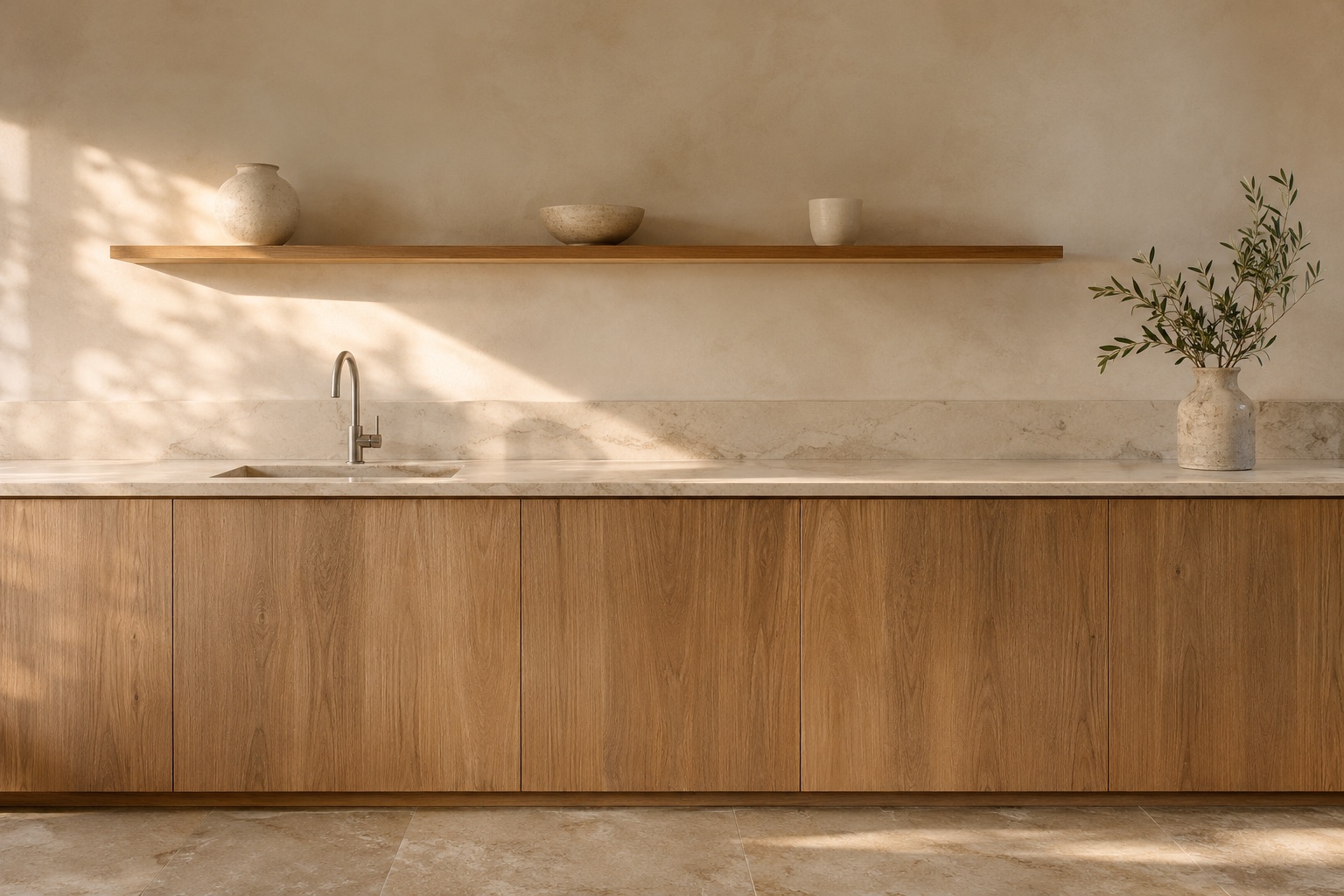
Smoked walnut
Demo kitchen, not a customer project. Screen colors are approximate — confirm final selections with physical samples.How to compare these finishes on your photo
The gallery shows the same demo kitchen in three palettes. In the studio, switch between palettes on your own photo to see one at a time.
Start with your cabinet doors
Outline the doors on your photo, try a finish, then slide back to the original to see the change.
Try the cabinet visualizer →See the countertop beside the cabinets
Compare the stone against the door fronts at their shared edge. Keep your cabinets in view while you explore the worktop.
Try the countertop visualizer →Hand your client a finish proposal
Put the kitchen preview, selected materials and supplier links in one PDF for the next sample review.
View the Soft sage sample proposal (PDF) →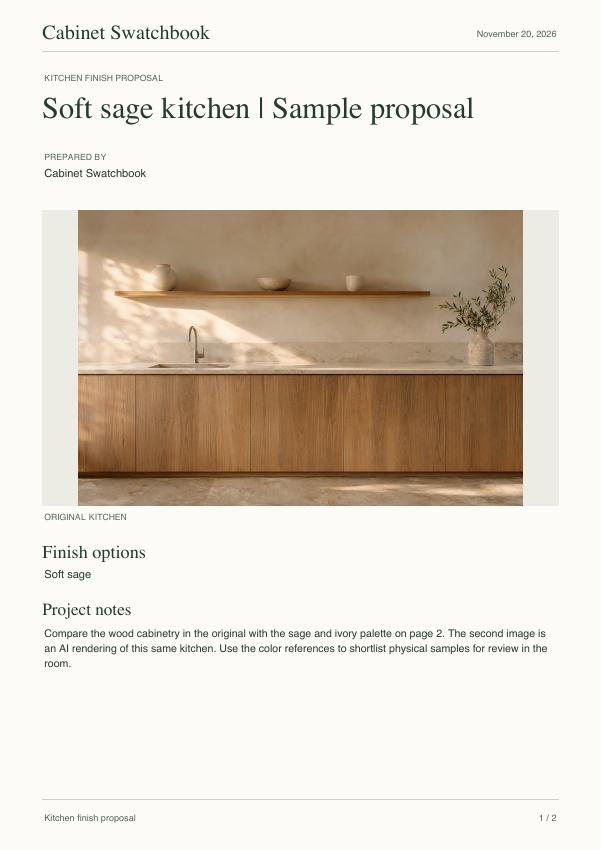
For homeowners
Take your preferred pairing with you when you look at physical samples.
Try your kitchen photo →For dealers and remodelers
Show the materials you carry in your client’s kitchen, then send the proposal for review.
Explore client proposals →Before you choose a finish
Checking physical samples
Screen colors are approximate. Confirm final selections with physical samples.
Photo privacy and online rendering
Your photo stays on this device until you send it for rendering. Online renders require an active subscription and available monthly allowance. Local comparisons and existing proposal PDF exports work without signing in or using that allowance.
Monthly plans
Choose a monthly rendering allowance. It resets at the start of each UTC calendar month.
Starter
US$9.90 / month
- 25 online renders per UTC calendar month
- Cabinet and countertop previews
- Compare with your original photo
- Watermark-free client proposal PDFs
Studio
US$19.90 / month
- 100 online renders per UTC calendar month
- Cabinet and countertop previews
- Compare with your original photo
- Watermark-free client proposal PDFs
Pro
US$39.90 / month
- 250 online renders per UTC calendar month
- Cabinet and countertop previews
- Compare with your original photo
- Watermark-free client proposal PDFs
Questions about your kitchen preview
Can I use my own kitchen photo?
Yes. Choose your kitchen photo in the studio and outline the surfaces you want to change. The photo stays on your device until you choose to upload it for rendering.
Can I compare several palettes on my photo?
Switch between three palettes on your photo to view one pairing at a time. The side-by-side gallery shows fixed previews of the demo kitchen.
Can I compare the countertop with the cabinets?
Yes. Mark the cabinet faces and worktop separately to preview them as a pair. Leave the surfaces you want to keep outside the outlines.
Can the preview match a branded paint code precisely?
Screen colors are approximate. Use physical cabinet and countertop samples to confirm the final pairing. The preview does not provide precise branded color matches.
Can I give the result to a client?
Yes. Select the palettes to include and export a client material proposal as a PDF.
Are online renders limited?
Online rendering requires an active Studio subscription and available monthly render allowance. You can use the demo kitchen, compare finishes locally, and export an existing proposal as a PDF without signing in or using any allowance. If you use up your allowance, local tools still work and online rendering can resume when your allowance resets at the start of the next UTC calendar month.